利用方法
User Guide
検索機能の使い方
How to Use Search Function
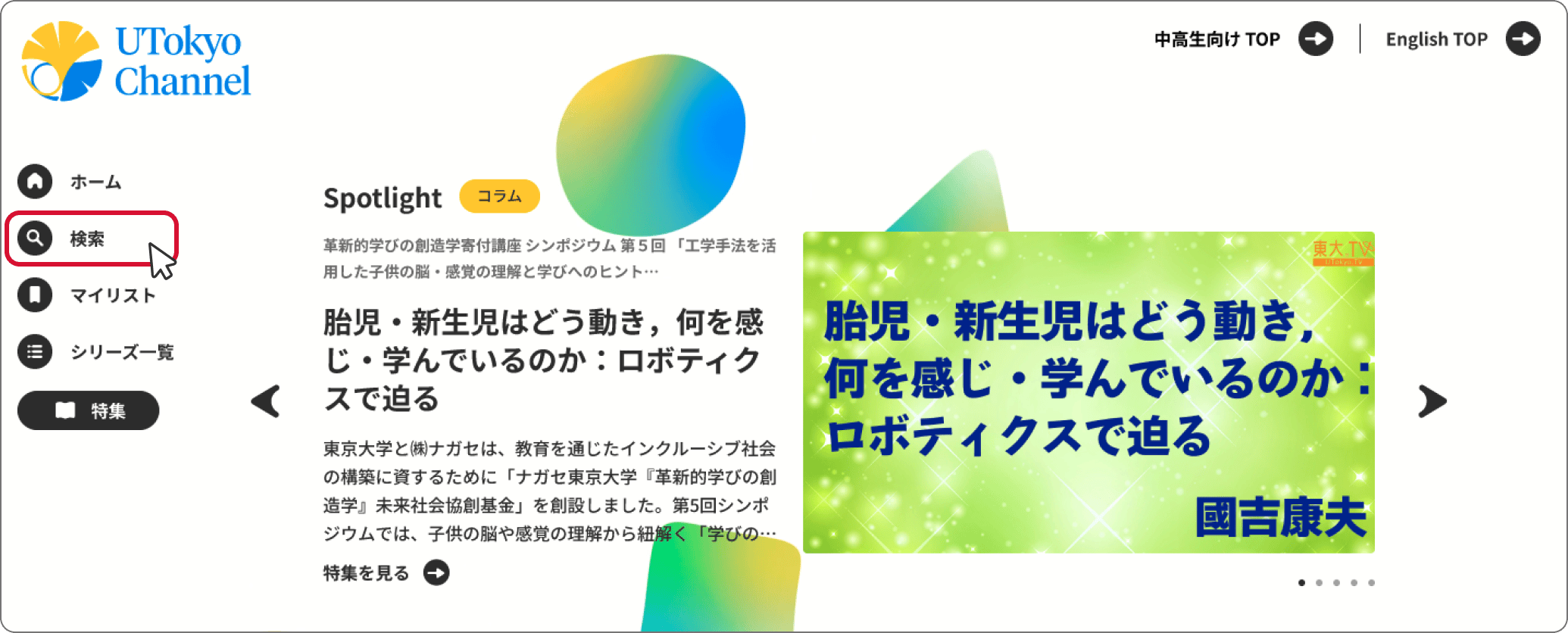
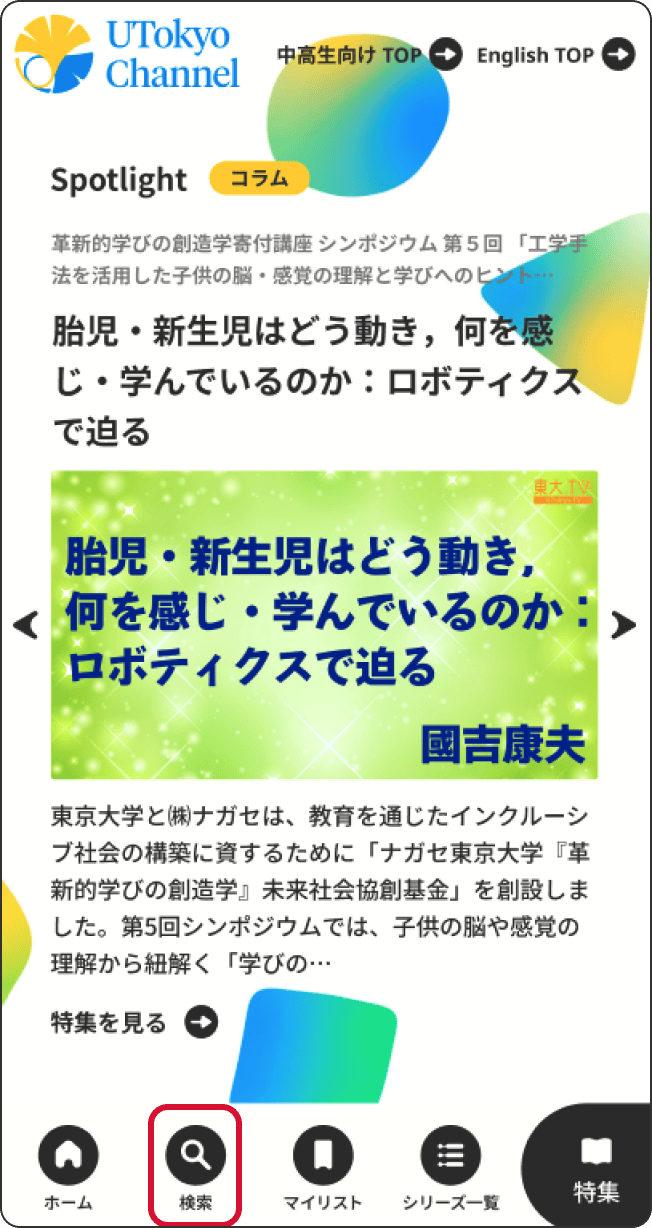
メニューバーの「検索」を選択します。
Click “Search” in the side menu.
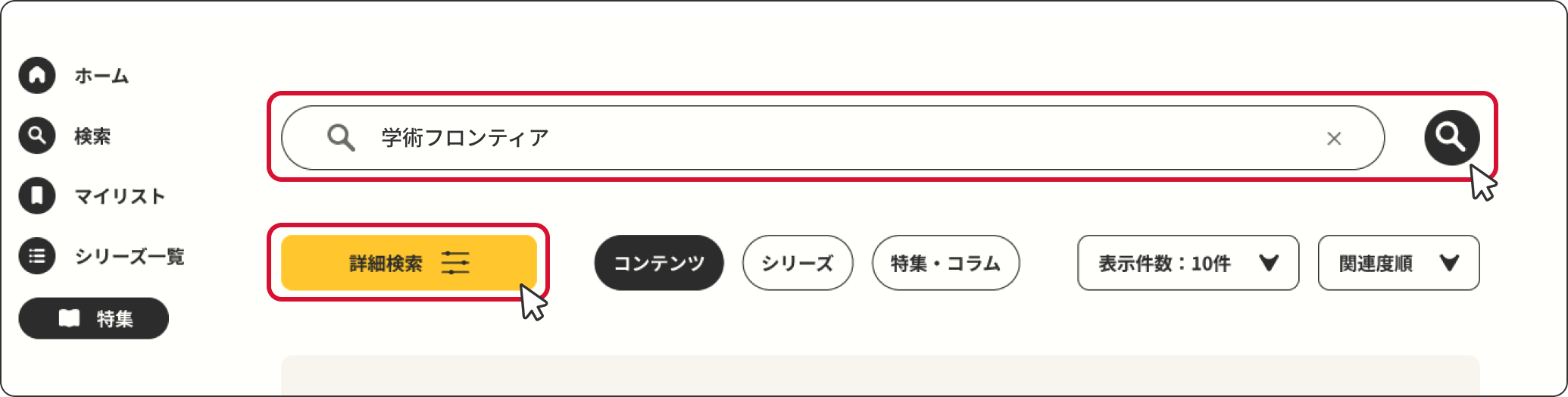
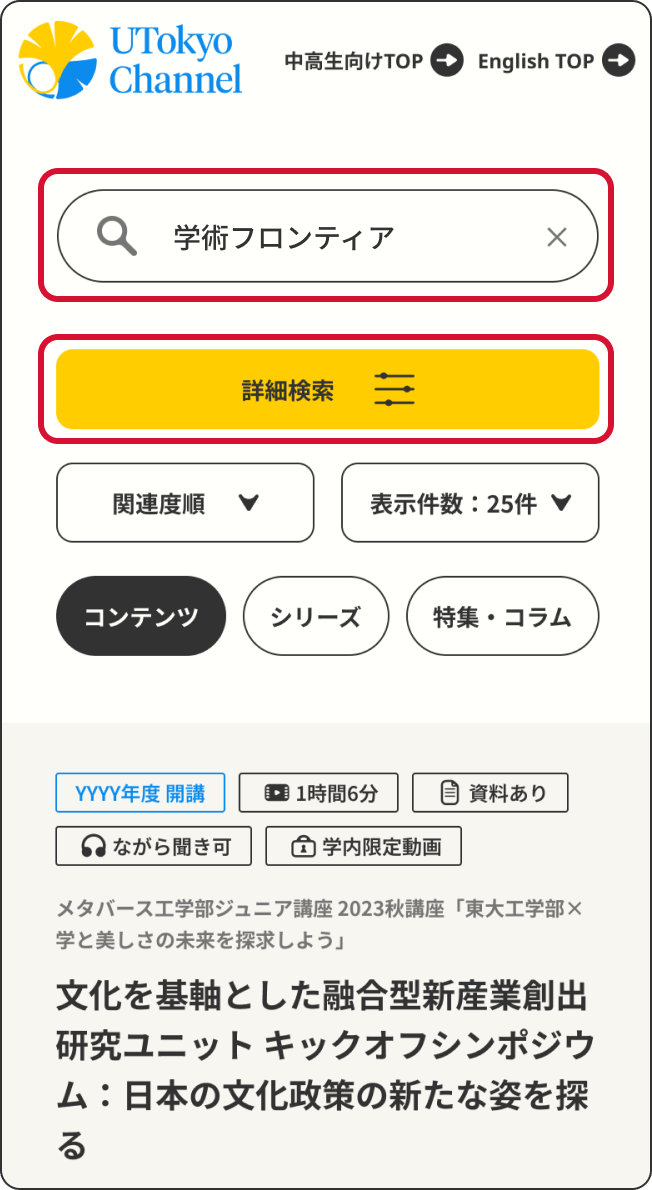
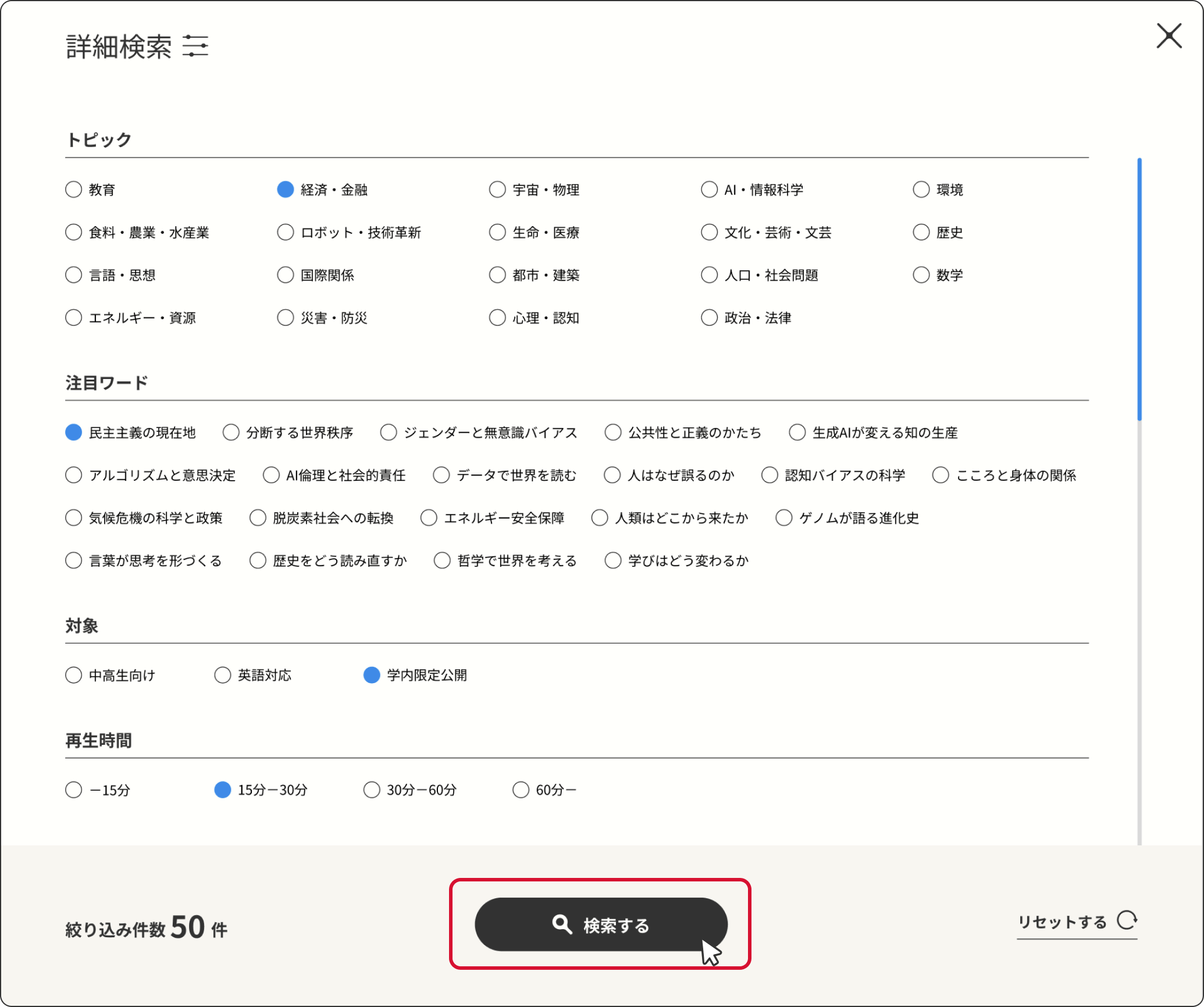
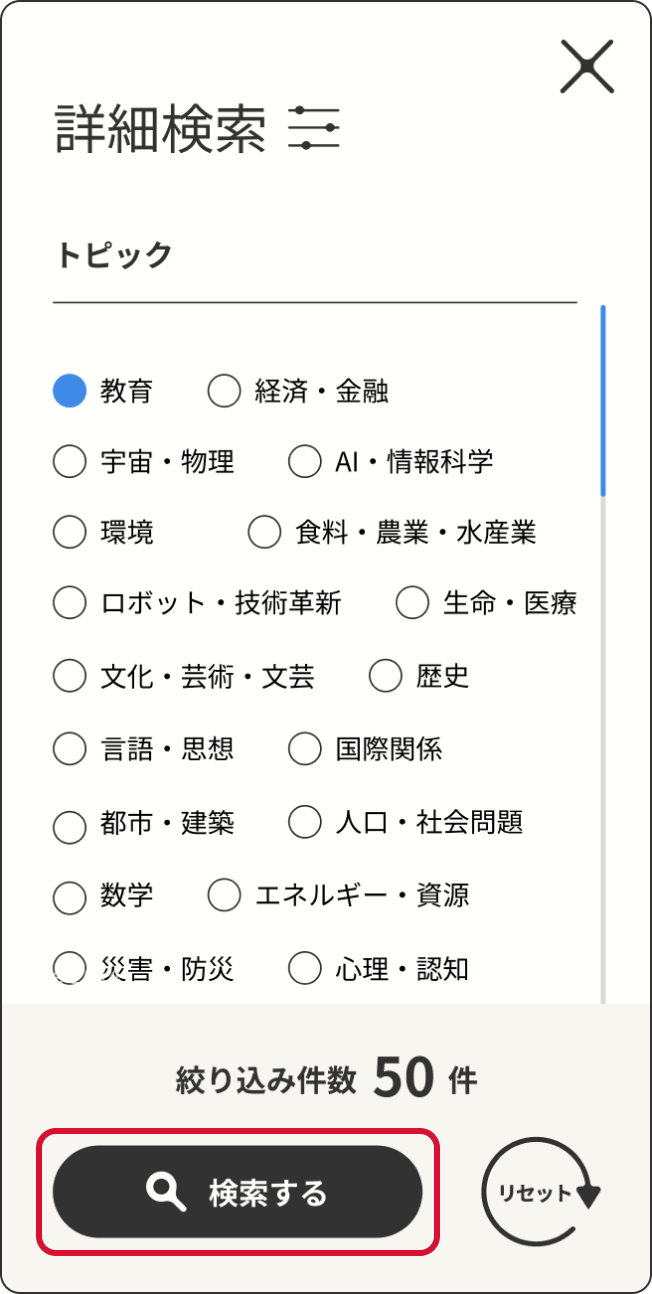
検索バーにキーワードを入力して検索するか、「詳細検索」から項目を絞り込んで検索。
Enter keywords in the search bar and start the search, or use “Advanced Search” to narrow down the results.
絞り込みたい項目を選択して検索します。
Select the specific criteria you want to filter and perform the search.
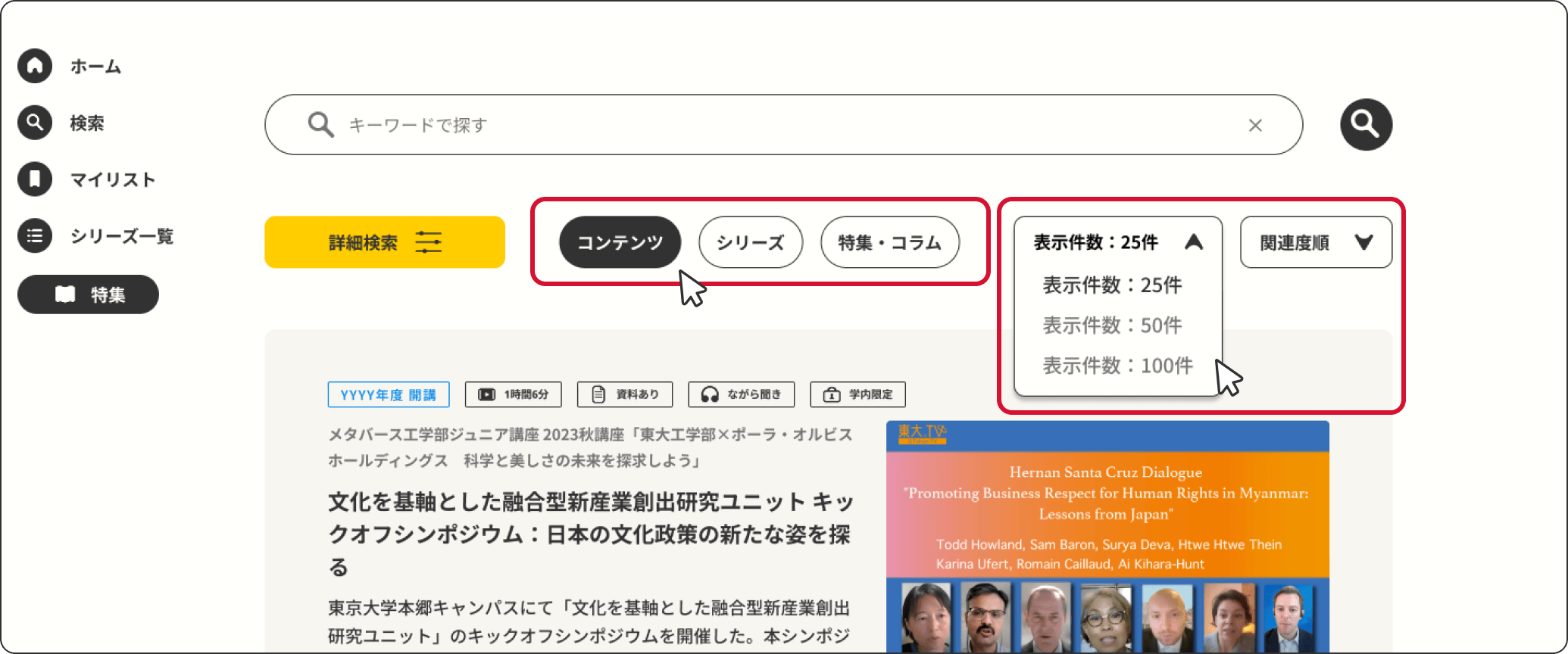
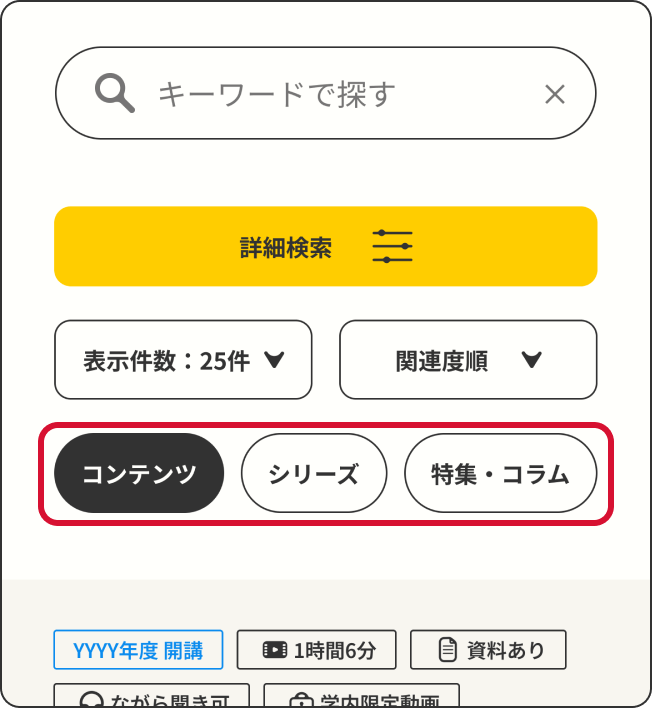
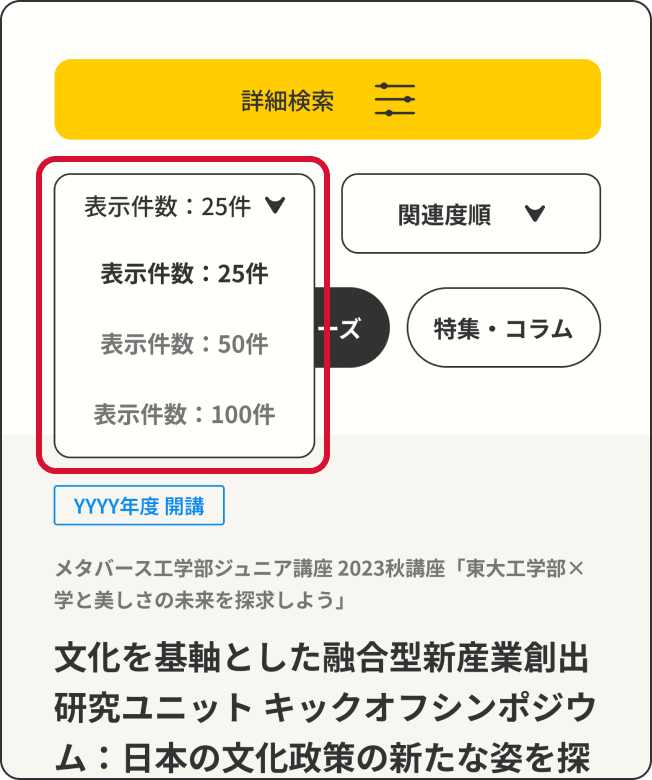
検索結果画面で、「シリーズ」「コンテンツ」「特集・コラム」を切り替えたり、表示件数の変更や並べ替えをすることも可能です。
On the search results page, you can switch between “Series” and “Content,” as well as adjust the number of results displayed per page and sort the results.
マイリストの使い方
How to Use My List
「シリーズ」「コンテンツ」「特集・コラム」をマイリストに追加。
Add “Series” or “Content” to your My List.
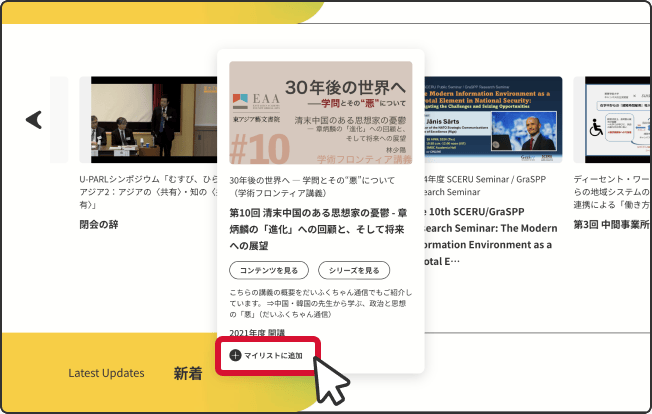
<TOPページからマイリストに追加>
How to add items from the top page
<シリーズ詳細ページからマイリストに追加>
How to add items from the series page
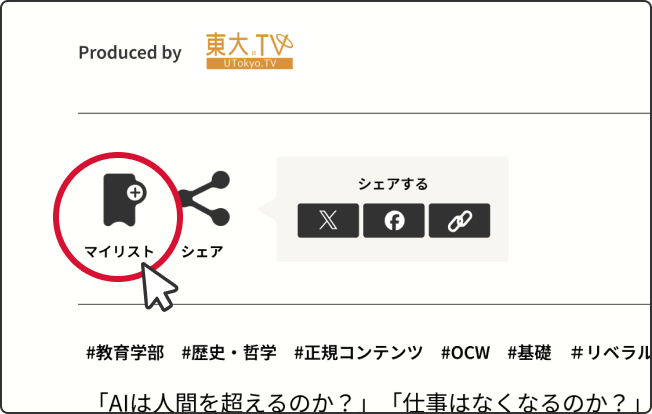
<コンテンツ詳細ページからマイリストに追加>
How to add items from the content page
<TOPページからマイリストに追加>
How to add items from the top page

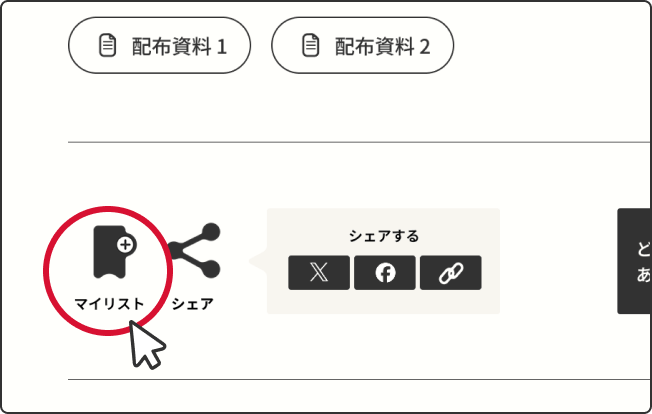
<シリーズ詳細ページからマイリストに追加>
How to add items from the series page
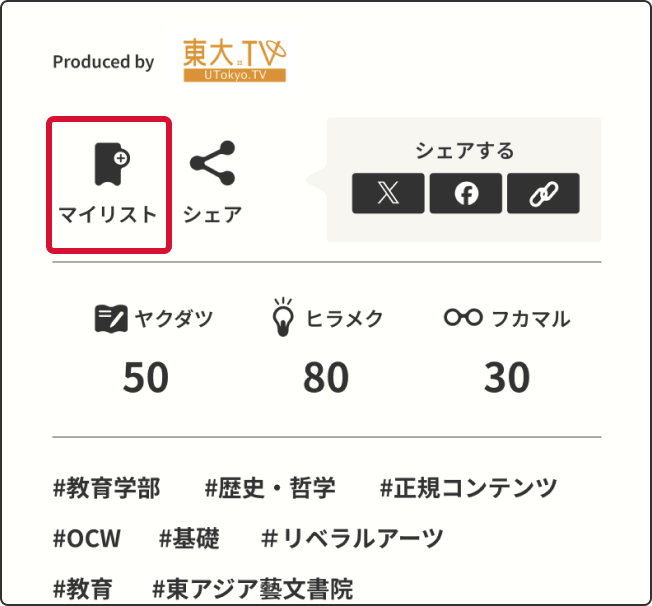
<コンテンツ詳細ページからマイリストに追加>
How to add items from the content page
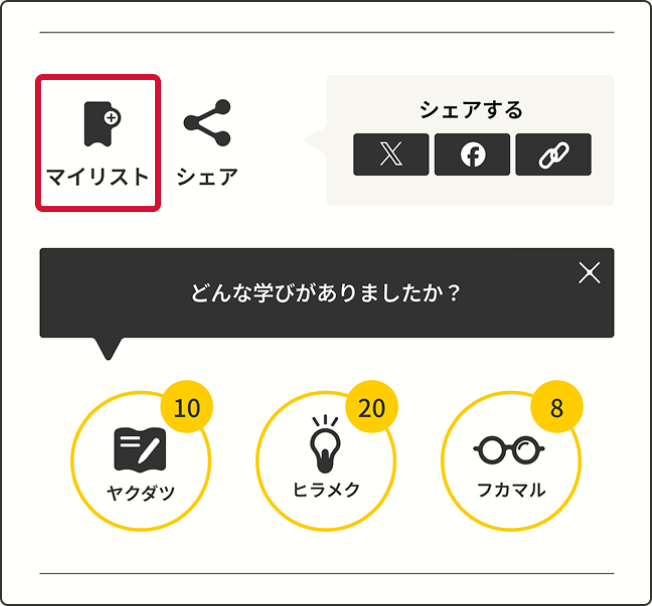
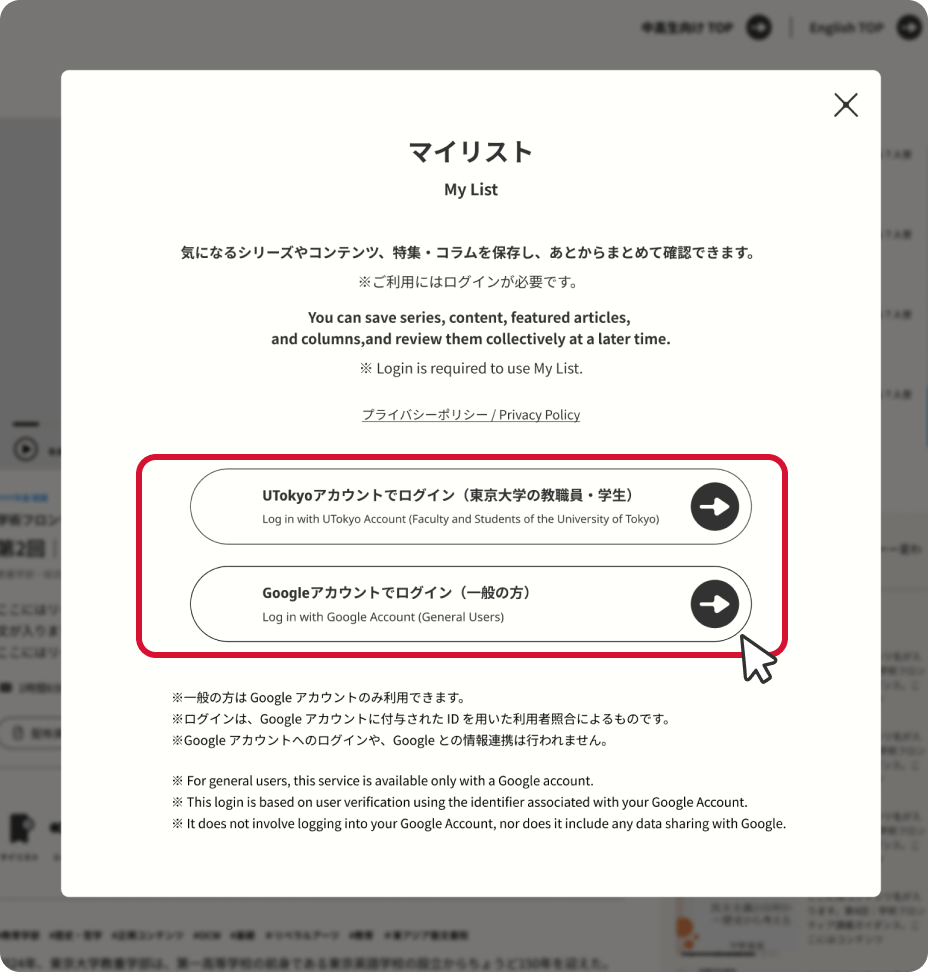
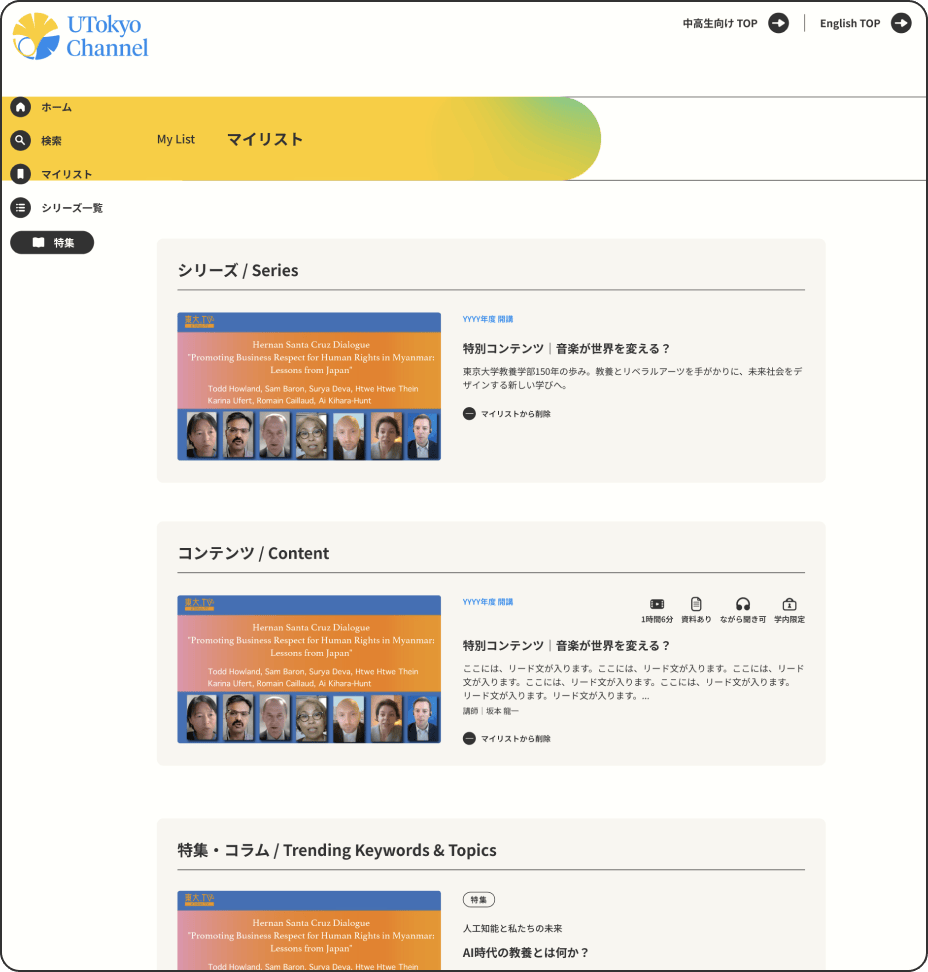
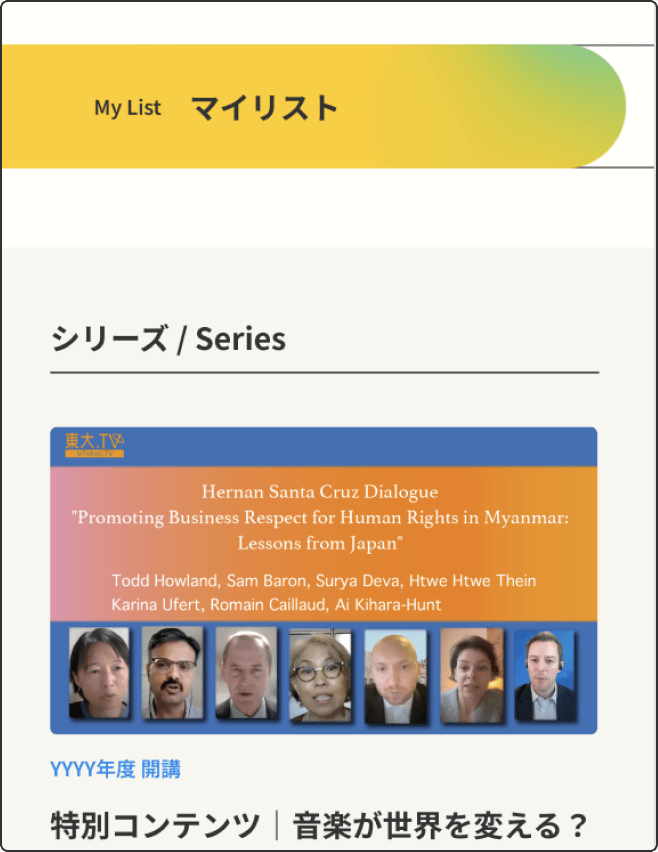
追加したアイテムは、マイリストからログインすると確認できます。
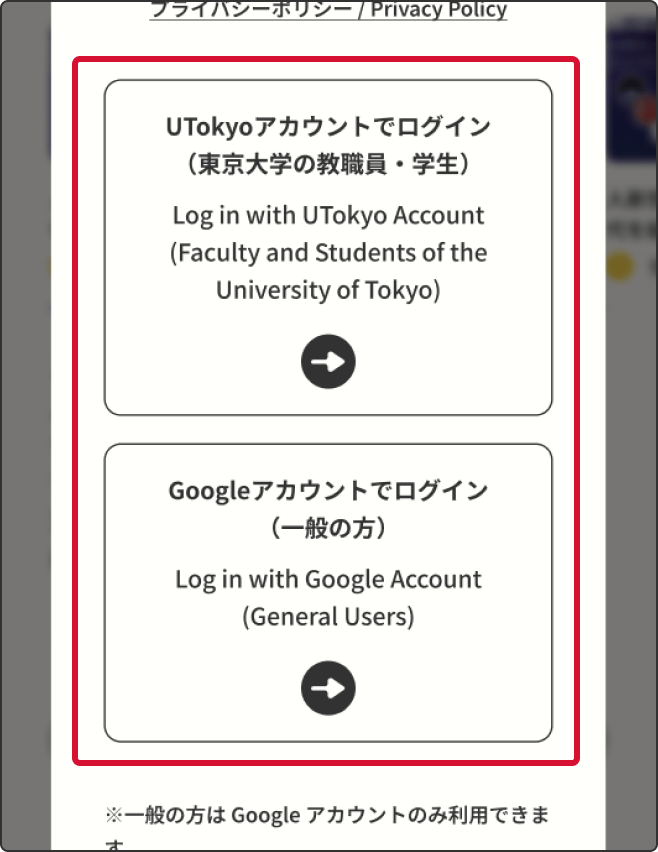
※マイリストをご覧いただくには、UTokyoアカウント、またはGoogleアカウントでログインしていただく必要があります。
Items added to My List can be viewed after logging in.
※ Please note that you need to log in with a UTokyo account or a Google account to view your My List.